
Azure Conditional access policy has been very effective in enforcing policies such as enforcing users MFA, Devices, Access control and so on.
There is a latest update from Microsoft which is in the below blog.
Essentially what it means is that conditional access policy will apply to legacy application by default
- If you must use legacy authentication, you must exclude those accounts from the policy, you can do this under Azure AD -> Security -> Conditional Access -> Open an Existing policy that you have -> Under Users and groups -> Exclude
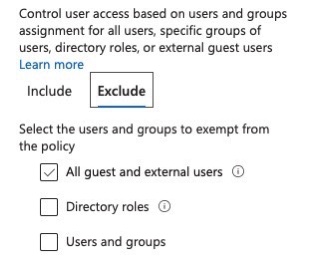
2. Configure CA only for Modern application,
You can do this under Azure AD -> Security -> Conditional Access -> New policy (or) Open an Existing policy -> Under Conditions -> Client apps, Uncheck the Legacy authentication
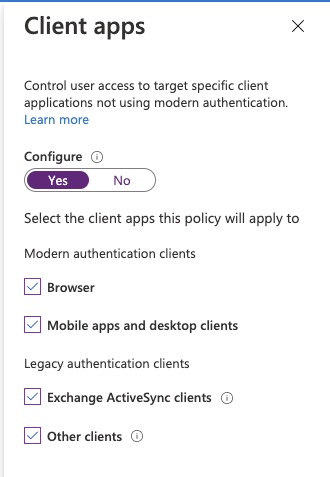
Note: This recent announcement from MS only applies to new CA, existing CA will continue to work as it is.
VJ
 Experience Microsoft Technology